GOING FORWARD PHOTONIQUE WILL BE ADVERTISMENT FREE
GOING FORWARD PHOTONIQUE WILL BE ADVERTISMENT FREE
Originally Photographed 28 November 2026
I WAS TESTING THE GEO TAGGING FEATURE
The Urban Cartographer Presents
I walked from Bolton Street to Wellington Quay during day light and back again after sunset.
I’m heading to Belfast for a week just before Christmas, having scored a great city-centre hotel deal with an upgrade to an executive suite. That extra space will come in handy—especially since it gets dark around 4:00 PM, a detail that caught me off guard last year when I also had the misfortune of visiting during the entirety of Storm Bram.
My camera setup last year fell short for a couple of reasons. The Fujifilm X100VI simply couldn’t cope with the driving wind and rain, while my Leica Q3 suffered from random crashes and unreliable GPS tracking—though, to be fair, it still produced plenty of great images. This year, I’m pairing the Q3 with either a Sony A1 II or an A7R VI. The A1 II has the edge if the weather turns foul, though I prefer the stronger battery life on the A7R VI.
Before packing, however, I took a gamble and updated the Q3’s firmware to version 5.0.0. Version 4 had given me nothing but headaches with GPS dropouts and freezes, so I figured things could hardly get worse. After installing the update, I needed to test the camera in real-world street conditions similar to what I’ll face in Belfast—and today in Dublin offered the perfect opportunity.
Firmware v5.0.0 for the Leica Q3 (alongside the Q3 43, Q3 Monochrom, and the SL3 family) was prematurely revealed earlier this week in a video published—and quickly pulled—by Leica Camera Australia, before officially rolling out across Leica's regional portals on November 27.
Automatic Focus Bracketing: Captures up to 999 frames while automatically shifting the focus plane between shots, with customisable step counts and focus sequences for post-processed focus stacks (unlike the SL3 series, the Q3 does not get Pre-Shot Capture).
Vehicle & Car Autofocus Detection: Expands subject-detection AF to recognise cars and vehicle details.
Quick AF Detect Toggle: Lets you assign a customisable function button to instantly toggle subject and face detection on and off without diving into menus.
Lower-Bitrate Video Codecs: Adds lighter Long GOP recording options for smaller file sizes and more manageable workflows.
Full-Screen HDMI Mirroring: Outputs a clean or full-screen HDMI feed with on-screen display icons mirrored to external monitors.
In addition to these headline features, the official changelog notes faster electronic shutter responsiveness at 15 fps and above, a battery-wear warning for aged BP-SCL6 packs, expanded Control Centre shortcuts, and direct access to Create Video from the Play menu for grouped bursts.
Focus Frame Position Retention: Fixed an issue in Zone and Multi-Field AF where a re-centred focus frame would lose its position after power-cycling or entering Playback.
EVF/LCD Toggle Notification in Playback: Resolved a bug where the EVF/LCD switching notification failed to appear inside the Play menu or multi-thumbnail view.
Clipping Display with Leica Looks: Corrected a display glitch affecting highlight and shadow clipping indicators when shooting with Leica Looks active.
By 2:00 AM on Saturday, November 28, I had downloaded the official English release notes and installed v5.0.0. As I suspected, there is zero mention of geotagging, GPS caching, or Leica FOTOS Bluetooth location fixes anywhere in the documentation.
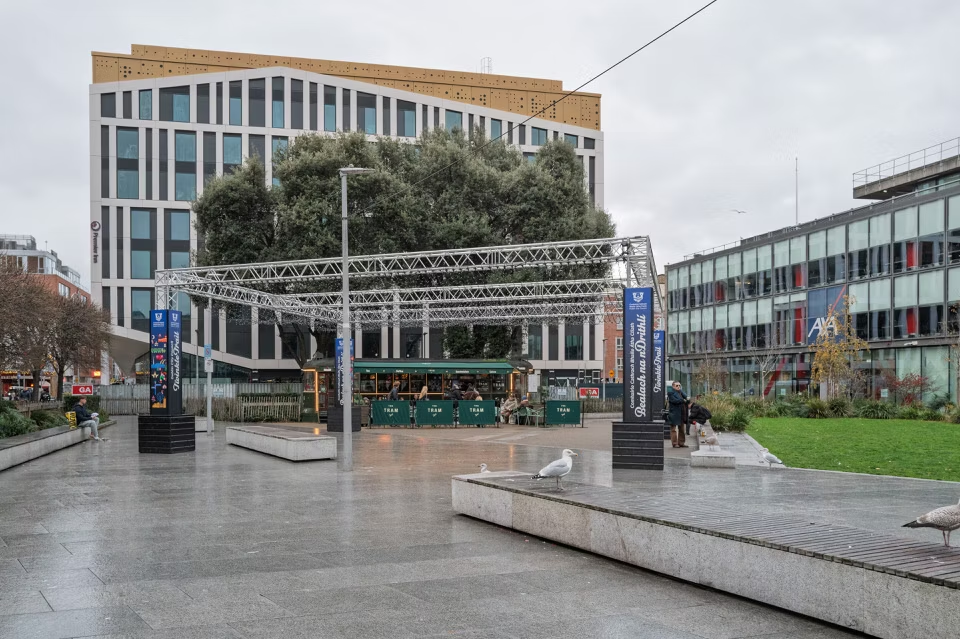
To put the update to the test today, I made sure the Q3 was actively communicating with my iPhone before walking from Bolton Street down to Eatokyo on Wellington Quay, just south of the Ha'penny Bridge. When I went inside the restaurant, I switched the camera off. Coming back out around 4:30 PM, I powered the camera on without checking whether the two devices had re-established their connection—deliberately treating this as a real-world street test.
That is immediately where things broke down. While the location tags from the walk down were spot-on, the geotags after leaving the restaurant were completely off. My final shots at the end of Capel Street, for example, were stamped with outdated coordinates from earlier in the afternoon.
The root of the problem is twofold: a persistent firmware bug and a fundamentally flawed caching design.
In theory, Leica’s status icon is supposed to display a solid white location pin when coordinates have been updated within the past 15 minutes, a dimmed pin when cached coordinates are between 15 minutes and 12 hours old, and a slashed pin once they expire. In reality, the solid white pin has not appeared on my Q3 at all since firmware v3.0, leaving the camera permanently stuck in its dimmed, cached state—and v5.0.0 has done nothing to fix it.
Even when working as designed, Leica’s caching rules fail during brisk street walks. Because the camera treats any coordinate under 15 minutes old as "current" and continues silently stamping cached coordinates for up to 12 hours after iOS suspends the Bluetooth handshake, you can cover over a kilometre on foot while the Q3 happily tags every frame with where you stood 15 minutes—or an hour and a half—ago.
Worse still, there is no live coordinate readout on the shooting screen, and Playback mode only shows a tiny static pin icon on one info screen without displaying actual coordinates or timestamps. Until Leica overhauls how the Q3 handles background location updates, logging a dedicated GPX track on your phone remains the only reliable way to keep documentary street photography accurately mapped.
Immediatly Below The Urban Cartographer Presents
Select An Image